Video Training
We have created a series of videos to help you use and understand Newfies-Dialer.
Basics
Press-1 Campaign using the survey editor
Create a survey for press 1 transfers: call your contacts with your proposition and invite them to press 1 to speak to an agent.
Importing Contacts
Create a phonebook, then import contacts into Newfies-Dialer for use in your campaigns.
How to Create a Voice Broadcast Campaign
Detailed instructions on each setting in the voice campaign configuration.
Reporting
How to view and access live, aggregated and downloadable reports in Newfies-Dialer.
Advanced
Power Dialling Mode
Direct transfers to an agent, skipping no answers and voicemail.
Phone Survey for Market Research
Create a phone survey for polling or market research using nested IVRs.
Extracting Survey Reports
How to view and download survey reports.
Tag Replacement with Text to Speech
Deliver customised messages to contacts for debt recovery, appointment reminders and other applications.
Adding a Manager or Tenant
Newfies-Dialer is multi-tenant with billing: add a new tenant to your system and apply a charge for their calls.
SMS Campaigns
Create a simple SMS campaign with Newfies-Dialer.
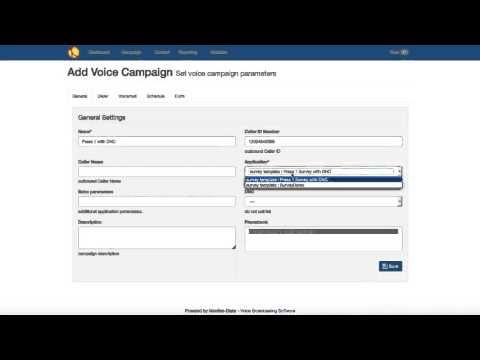
DNC (Do Not Call)
DNC lists, adding new numbers to the list via IVR and text file upload.
Debt Collection
Automate debt collection with Newfies-Dialer, using follow-on numbers.
Inbound IVR Campaign
Inbound calling for missed calls, voting lines, inbound surveys or market research, and skills based routing.
Didn’t find what you need? Contact us now!
Browse all our autodialer guides and documentation.